How to Present Kidsflow to School Leadership and Get Budget Approval in One Meeting
· 6 min read

In many schools, the person who identifies the problem is not the same person who approves the solution. The academic coordinator experiences the gate chaos every day. The office staff handles last-minute authorization incidents. The security guard improvises when they don't recognize who has arrived.
But the one who releases the budget is the principal, the school owner, or the board — and they aren't always present to witness the problem.
If you've made it this far, you've probably already convinced yourself that your school needs a safer, more structured dismissal process. The next step is building the internal case to make the decision happen.
Understand the Profile of Your Decision-Maker
Before building your presentation, identify what drives the decision-maker at your school. There are three most common profiles:
The legal profile: concerned with risk and institutional liability. Wants to know what the school stands to lose if something goes wrong. For this profile, the central argument is legal exposure — Civil Code Article 932, the ECA (Children and Adolescents Act), and the absence of an auditable record.
The financial profile: wants to understand the cost-benefit before any decision. For this profile, the central argument is the invisible cost of the current process (labor, rework, enrollment loss risk) versus the investment in the system.
The reputational profile: thinks about the school's image with families and in the market. For this profile, the central argument is the family experience at dismissal and its direct impact on NPS and re-enrollment.
You will likely be presenting to more than one profile. Build your argument to touch all three — but know the entry point for your specific decision-maker.
The 10-Minute Script
Opening (1 min) — The concrete problem
Don't start with the product. Start with a real situation your school has already experienced or clearly could experience.
"Last week, [real or concrete hypothetical situation]. Our team handled it — but handled it through improvisation, not process. If it had gone wrong, what would we have had to show?"
Legal context (2 min) — What's at stake
Present directly:
Civil Code Article 932 holds the school objectively liable for damages in case of an improper handover — regardless of good faith
The ECA defines the institution's responsibility for student safety during the school day
The LGPD requires secure, controlled storage of student and guardian data
In the event of legal dispute, the school must present an auditable record — not a WhatsApp thread
"Today, if a guardian questions a dismissal in court, what do we present?"
The cost of the current process (2 min) — What we're losing
Present the three cost vectors with estimates for your school:
Staff hours allocated to dismissal per year
Office interruptions from poorly processed authorizations
Risk of enrollment loss from dismissal experience dissatisfaction
"This doesn't appear in the budget as a cost — but it's here, distributed across inefficiency and risk."
The solution (3 min) — How Kidsflow resolves it
Present objectively, without sales language:
Guardians register authorized individuals with a verified photo through the app — without calling the school
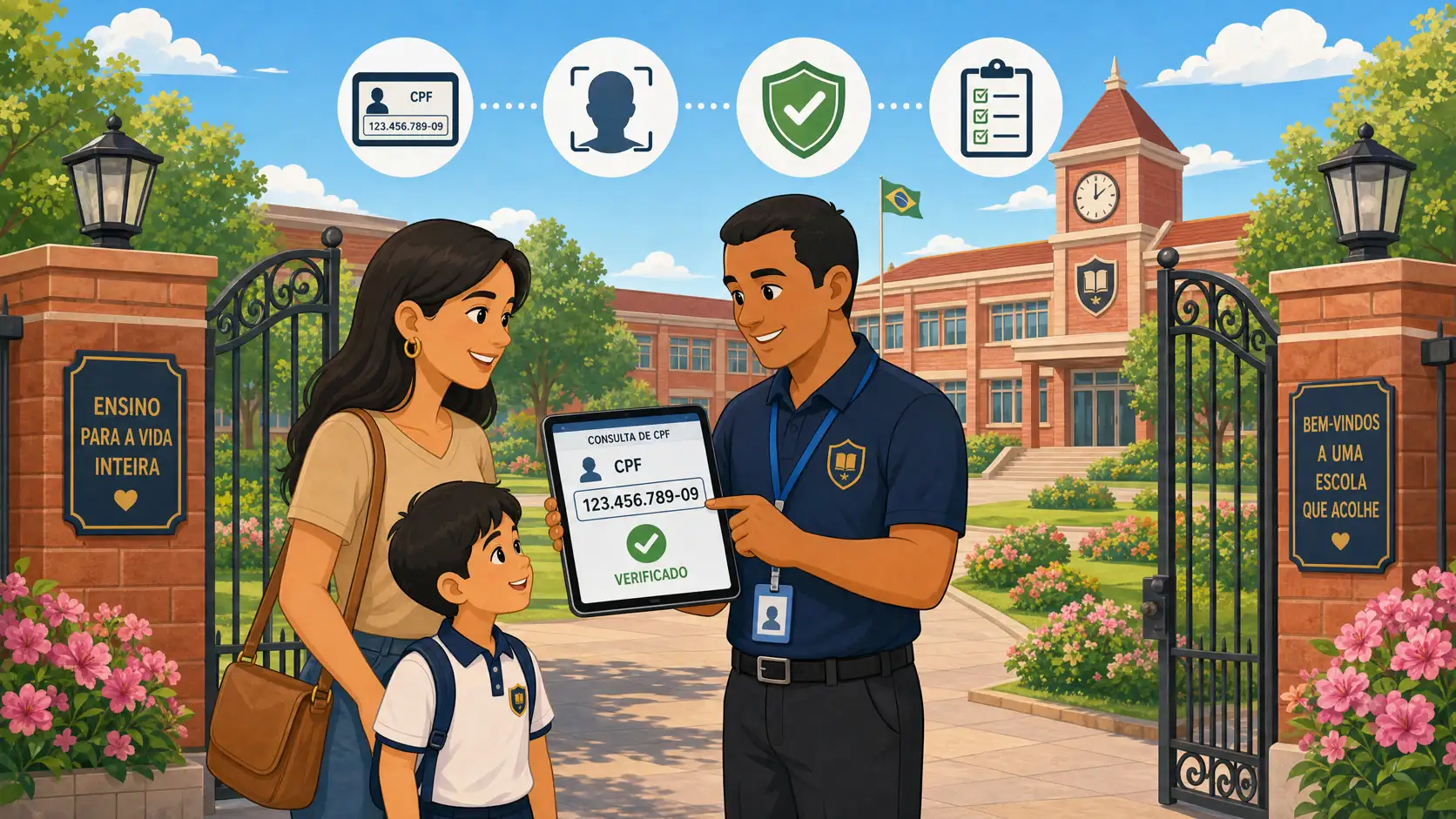
At the gate, any staff member validates identity in seconds, with an automatic alert for unauthorized individuals
Each dismissal generates an automatic record with date, time, guardian, and the staff member who approved the release
One-time authorizations (grandma picking up just today) are issued with a traceable temporary QR code
Data stored in compliance with the LGPD
Implementation in under one week, with no additional hardware required
The investment and the return (1 min) — The math works
Present the system cost alongside the estimated cost of the current process. In most cases, the return happens within the first semester — before even factoring in the value of legal protection.
Closing (1 min) — A clear next step
Don't end by asking for immediate approval. Ask for a demo.
"What I'm proposing is to schedule a 20-minute demo with the Kidsflow team — no commitment. They show how it works in our school's context, and we decide with more information."
Supporting Materials
To strengthen your presentation, have on hand:
The gate security checklist completed with your school's actual situation
The financial impact calculation of the current process
A publicly reported incident from another school that illustrates the risk
The Most Common Mistake in This Presentation
Presenting Kidsflow as "a student dismissal app." That sounds like convenience — and conveniences don't get budgets approved easily.
Present it as legal and operational risk management with a digital tool. That sounds like a necessity — and necessities get approved.
Need support building your internal presentation? The Kidsflow team offers customized materials for the internal approval process, including a cost-benefit simulation with your school's data. Get in touch before your meeting.
Frequently Asked Questions
Who is typically the final decision-maker for contracting a system like Kidsflow in private schools? It varies by school size and structure. In small and mid-sized schools, the decision-maker is often the principal or school owner directly. In larger school groups, the decision may involve academic coordination, finance, and IT. The common thread is that the person who feels the operational problem is rarely the one who signs the contract — which is why building a business case, not just an operational one, matters.
How do you handle the objection "we already have a school management system that covers this"? Ask to see the feature in operation. Questions that reveal the limitations of the generic module: Does it verify identity by photo? Does it generate an auditable record of each dismissal with time and guardian? Does it allow temporary QR codes for one-time authorizations? Does it work without prior configuration by the regular guard? In most cases, the gate module in a school ERP was built for the general case — not for the specific scenarios where security is actually tested.
Is it possible to contract Kidsflow without going through the school's formal budget process? It depends on each institution's internal policies. In many schools, software contracts below a certain value can be approved by the principal without a formal process. The best way to find out is to request a demo and a commercial proposal — with the figures in hand, it's easier to assess which approval process applies at your institution.
How long does implementation take after approval? Kidsflow was designed for fast implementation. In general, the school is operational within 3 to 7 days after signing — time needed for initial configuration, student and guardian registration, and staff training. The process requires no physical hardware installation and does not depend on internal IT for configuration.
How do you frame Kidsflow's cost relative to the school's budget? The most effective approach is to present the cost relative to what the school already spends on the current process — in gate labor, administrative rework, and enrollment loss risk. When the decision-maker sees the invisible cost of the manual process, the system investment stops looking like a new expense and starts looking like a replacement of existing cost with a gain in security and efficiency.
What if leadership asks for more time to decide after the presentation? Propose a concrete next step with a defined deadline: a demo with the Kidsflow team within 15 days, or a visit to a school that already uses the system. Presentations without a defined next step tend to die on the agenda. If the objection is budget, explore whether starting at the beginning of the next semester or school year is possible — which also creates a natural deadline for the decision.