School access management: a practical guide for administrators
· 7 min read
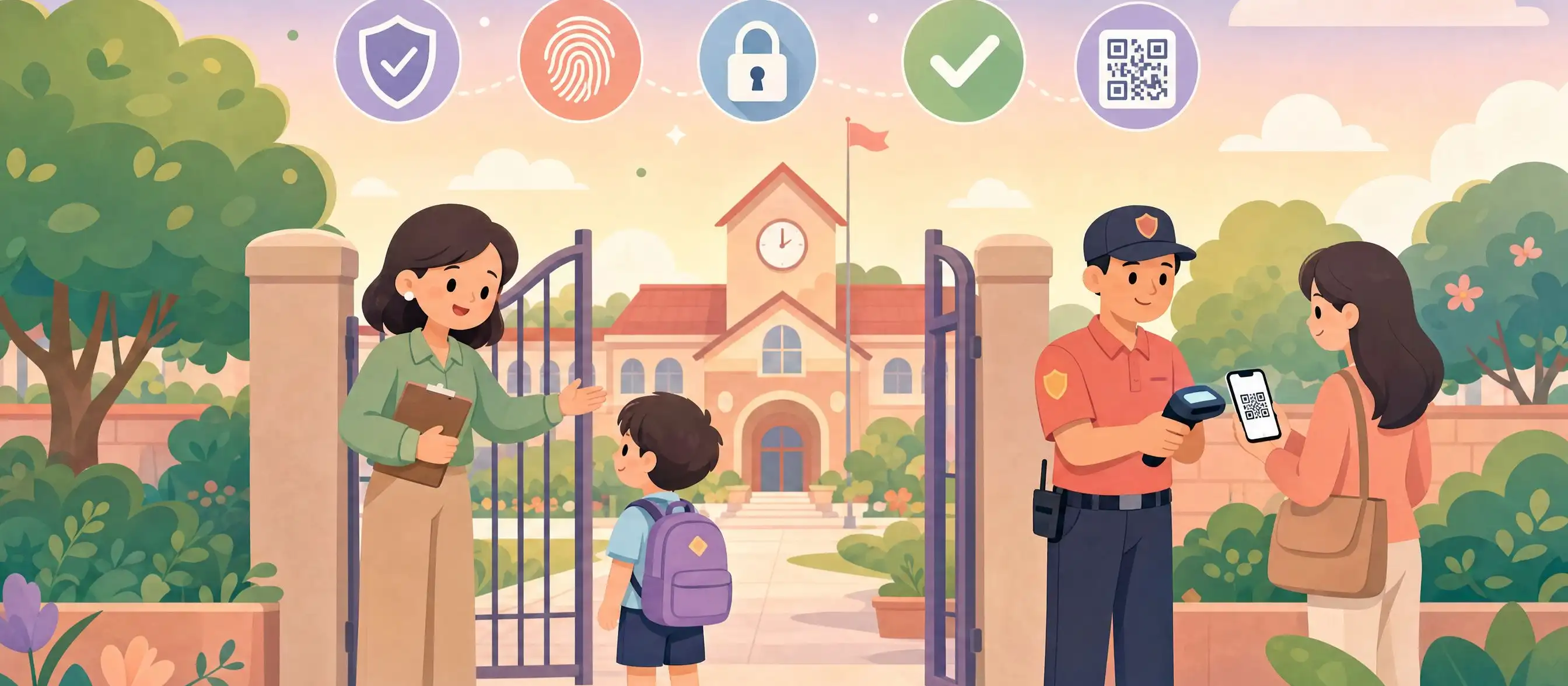
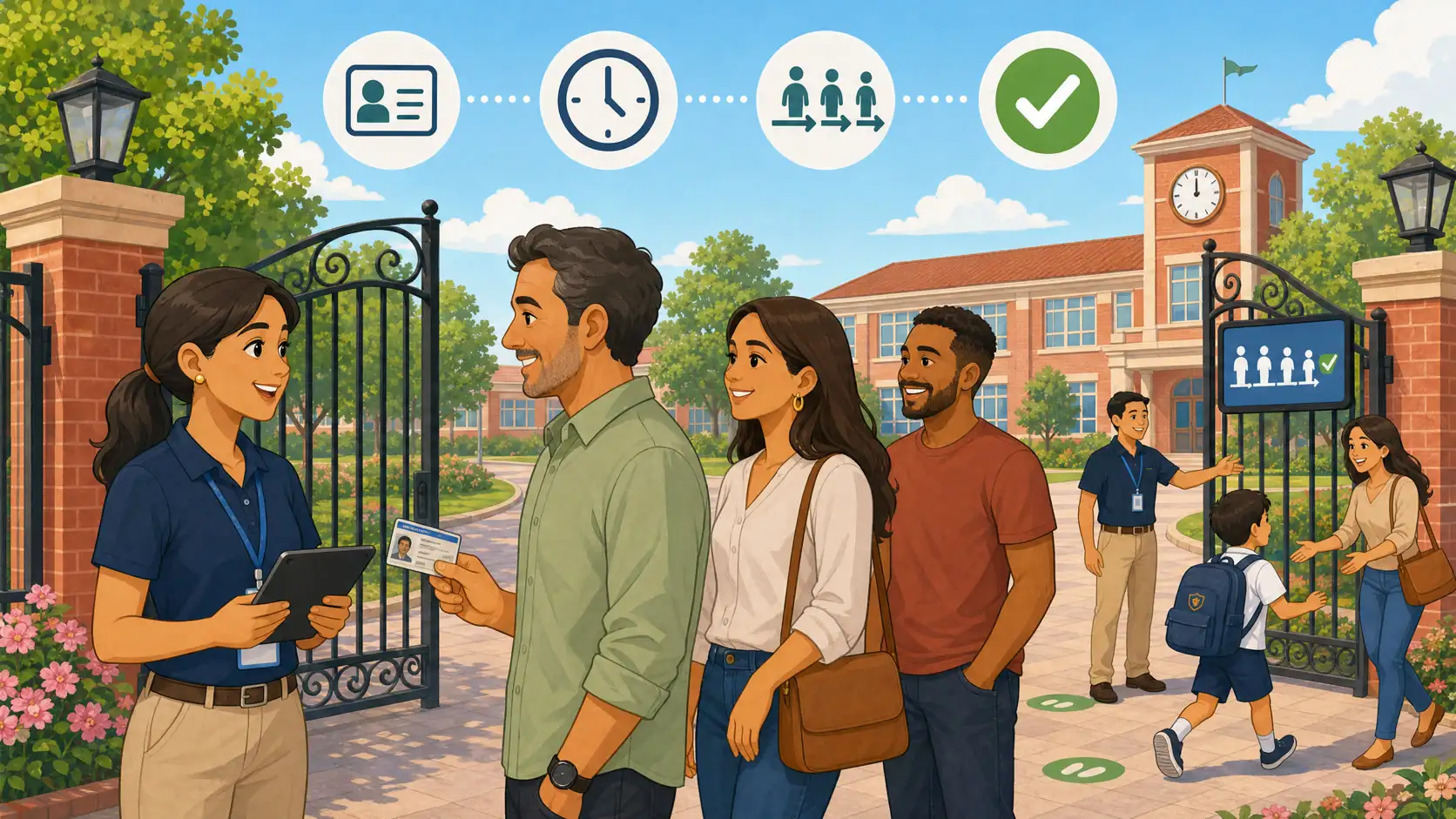
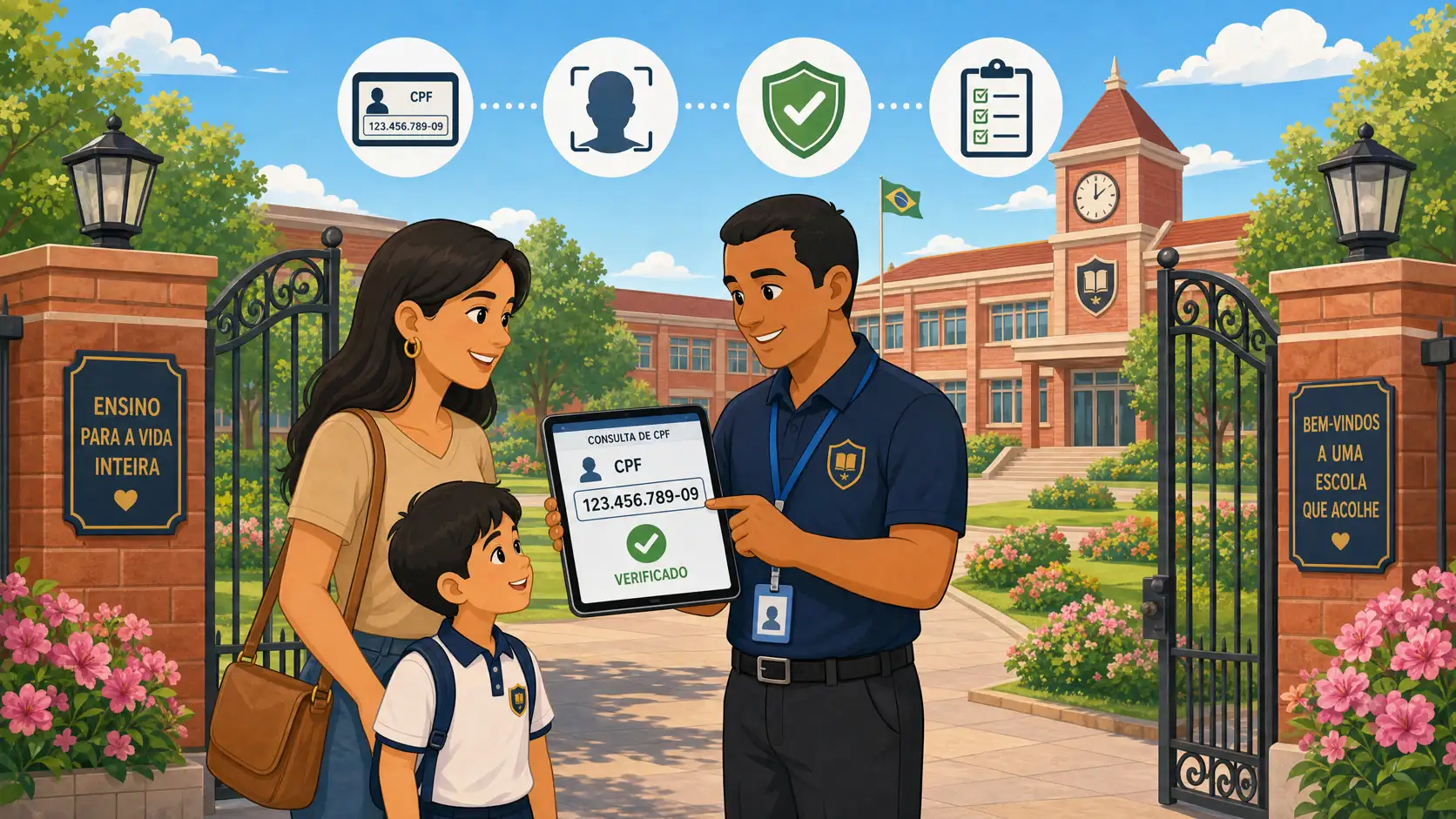
School access management is not just a turnstile at the entrance. Administrators need to decide what to control (entry, internal circulation, and student pickup), with which technology, and under which legal basis — without confusing physical perimeter control with handing the child over to the right adult.
This guide is for school administrators: available technologies, what the law expects, and the critical difference between access control and student pickup control.
What is school access management?
School access management is the set of processes, equipment, and systems that regulate who can enter, move within, and leave the school environment. It goes beyond a guard at the gate: it involves identifying people, recording movements, controlling permissions, and generating an auditable trail of every event.
In practice, a school access management system solves three distinct problems:
Entry control — prevents unauthorized people from entering the school premises
Internal circulation control — restricts access to sensitive areas such as offices, labs, and pedagogical zones
Student dismissal control — ensures each child is only released to people previously authorized by their legal guardians
Critical point: many schools invest in turnstiles and biometrics to control who comes in — but neglect controlling who leaves with the students. That is where the greatest legal and operational risk in school management lives. For the legal protocol and gate checklist, see student pickup safety.
Access control technologies available for schools
1. Biometric turnstiles
Biometric turnstiles identify students and staff by fingerprint or facial recognition. They are effective for perimeter access and automatic attendance. Modern models support tens of thousands of users and integrate with school management systems.
The main limitation: they control who enters — not who picks up students at dismissal. That layer needs dedicated authorization management.
2. Facial recognition
Facial recognition identifies in fractions of a second, contactless, and can use existing cameras. Adoption has grown significantly since 2023, especially in mid-sized and large schools.
Legally, use with minors requires special attention to data protection laws (GDPR, COPPA, LGPD in Brazil): explicit guardian consent, a clear legal basis, and a defined retention and security policy for biometric data.
3. QR codes and digital ID cards
QR codes on digital ID cards are lower-cost and faster to deploy. The student presents the card on a phone or as a physical card; the school scans it and records access. This usually integrates attendance and access history.
4. Virtual reception
Virtual reception uses cameras and online systems to monitor entry remotely. Guardians can authorize visitor entry from a phone. It is relevant for schools that want to reduce gate staffing — and pairs well with a written school gate drop-off and pickup protocol.
5. Digital pickup authorization control
This is the most specific — and, according to school safety specialists, the most critical — layer: a system dedicated to controlling who can pick up each student. Unlike turnstiles and biometrics (physical access), digital pickup authorization ensures each child is handed to the right person, with an auditable record.
Kidsflow was built for this purpose: photo-verified authorizations, temporary QR codes for occasional collectors, a real-time gate dashboard, and notifications to guardians at release.
Market insight: access management focused on student pickup is one of the most underdeveloped — and fastest-growing — areas of edtech. Schools that adopt digital solutions here report fewer incidents and stronger family perception of management quality.
Legal foundation: what the law expects from schools
School access management rests on principles that appear across jurisdictions:
Duty of care and in loco parentis
Schools act in loco parentis while a child is in their custody. That carries a positive duty of care: not only reacting to incidents, but maintaining proactive protection processes. A school without structured access management falls short of this duty.
Civil liability for custodial incidents
Educational establishments are typically liable for harm under their supervision — including releasing a student to the wrong adult or incidents from unmonitored access. In many jurisdictions this is strict liability: responsibility regardless of fault. Documented processes are the school’s primary legal defense. On-campus vs off-campus custody is covered in is the school responsible for students off campus.
Data protection: biometrics and access logs
Biometric data — fingerprints, facial recognition, camera footage — is sensitive personal data under GDPR, LGPD, CCPA, and COPPA (for children under 13). Schools need an explicit legal basis, secure storage, controlled access, and a defined retention policy. Evaluate compliance before adoption.
How to implement school access management: step by step
Map every access point: entrances, exits, and circulation areas that need control.
Define security level by area: main entrance, courtyard, offices, and the pickup gate have different requirements.
Choose technology for size and budget: biometric turnstiles for large campuses, QR codes for smaller schools, digital pickup authorization for everyone.
Train the staff: even the best system fails when the team does not follow the protocol.
Communicate with families: which data is collected, for what purpose, and how it is protected.
Audit regularly: review authorized lists, update permissions, and check access logs.
Access control vs. student pickup control
This is the distinction administrators most often miss. Physical access control (turnstiles, biometrics, facial recognition) regulates who enters. It does not, by itself, solve who leaves with the students.
A school can have state-of-the-art turnstiles and still hand a child to the wrong person at dismissal — these are distinct problems. Pickup control involves verifying identity, confirming authorization, recording the handoff, and notifying the guardian — in real time.
Kidsflow was built for that moment — the handoff to the guardian. Turnstiles and biometrics cover the perimeter; Kidsflow covers custody at release. The full risk map and checklist are in student pickup safety.
For privacy-compliant perimeter monitoring with live video, also consider AlunoTV — the controlled live streaming platform for schools.
Frequently asked questions (FAQ)
What is school access management?
School access management is the set of processes and technologies that regulate who can enter, move within, and leave the school environment. It includes turnstiles, biometrics, facial recognition, QR codes, and student pickup authorization systems. Each technology addresses a different aspect of safety.
What is the best access technology for small schools?
For schools with up to 150 students, cost-benefit favors lighter digital solutions: QR codes for student identification and a dedicated pickup authorization system — like Kidsflow — that addresses the main legal and operational risk without extra physical infrastructure.
Do biometric turnstiles solve student pickup?
Not completely. A biometric turnstile controls who enters and can log passage through the gate. It does not verify that the person collecting each child is authorized by the legal guardian. That requires a dedicated pickup authorization system.
Is the school legally required to have access control?
There is usually no law mandating an access control system by name. But duty of care and civil liability for incidents under school custody mean that, in practice, a school without structured access management is legally vulnerable. Documented processes are the strongest defense.
How does access management affect NPS and family perception?
Directly. Families that see a structured process — especially at dismissal, with digital verification and notifications — associate it with management quality. Schools that implemented digital pickup control report NPS gains of 8 to 15 points on the safety dimension, and the topic shifts from complaint to enrollment argument.
Is facial recognition allowed in schools under privacy laws?
Yes, if it meets the applicable privacy law (GDPR, COPPA, LGPD, etc.): explicit guardian consent for children’s biometric data, a clear legal basis, secure encrypted storage, controlled access, and a defined retention policy. Use on children under 12–13 typically has reinforced protection and may require a privacy impact assessment first.
What is the difference between Kidsflow and a biometric turnstile?
They are complementary. The turnstile controls physical perimeter access. Kidsflow controls the handoff to guardians: it verifies authorization with a photo, generates temporary QR codes for occasional collectors, notifies guardians in real time, and records every release in an auditable format. Using both covers entry and pickup.