Technology in School Management: How to Digitize Processes and Save Time
· 8 min read
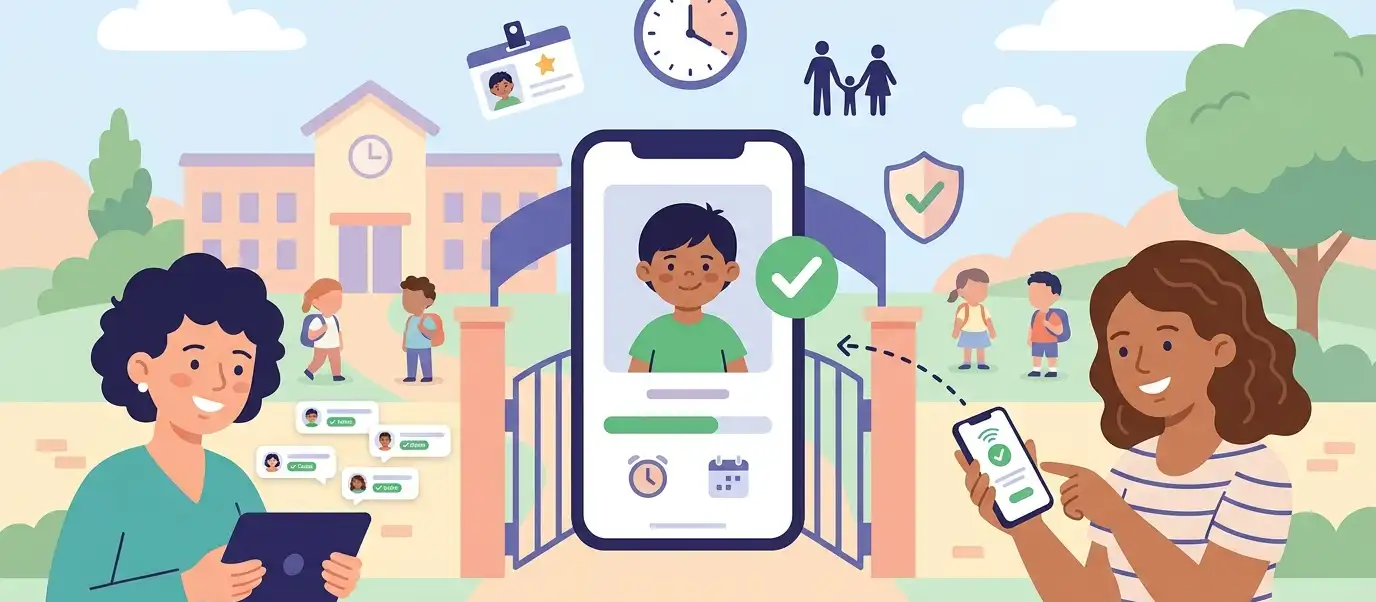
School administrators spend, on average, 60% of their time on administrative tasks that could be automated: paper enrollment forms, attendance spreadsheets, printed pickup authorization lists, and physical agenda-based announcements. Meanwhile, time for what truly matters — pedagogy, student wellbeing, and family relationships — gets squeezed out.
Technology in school management isn't about buying tablets or setting up computer labs. It's about eliminating rework, reducing errors, and giving hours back to administrators. In this guide, you'll see which processes to prioritize, what tools exist for each, and how to implement them without turning your school's daily operations upside down.
Why Digitize Now: The 2026 Context
Three factors make digitization urgent for schools:
- Curriculum requirements — starting in 2026, many education systems are mandating digital literacy and computational thinking in curricula. A school that still runs on paper internally has little credibility teaching digital competencies.
- Parent expectations — families already use banking apps, delivery services, and telehealth. When a school sends announcements through paper agendas or asks parents to visit the office to update a record, the perceived value drops.
- Competitiveness — schools that digitize processes can serve more families with the same staff, reduce payment defaults with automated billing, and retain more students by offering a modern experience.
The good news: you don't need to digitize everything at once. The secret is to start with the process that hurts the most.
The 6 Processes That Benefit Most from Technology
1. Enrollment and Re-enrollment
The problem: handwritten enrollment forms, lost documents, and in-person re-enrollment that overwhelms the front office at the start of each year.
The digital solution: online forms with document upload, digital contract signing, and integrated tuition payment. The system automatically validates required fields — no more incomplete records.
Practical gain: a school that moves re-enrollment online reduces processing time from 15–20 minutes per student to 3–5 minutes, freeing front office staff for interactions that truly need to be in person.
Tools on the market: school management systems like Gradelink, Alma, FACTS, and Veracross offer digital enrollment modules.
2. Family Communication
The problem: paper notes in backpacks that never reach parents, uncontrolled WhatsApp groups, and physical agendas that kids leave at school.
The digital solution: centralized school communication apps with class-segmented announcements, read confirmations, and a channel for individual messages between families and administration.
Practical gain: read confirmations eliminate the "I never got the notice" problem — the school has a record of who read what and when. For parent-teacher meetings, digital polls replace paper RSVP slips.
Tools on the market: Bloomz, Remind, ClassDojo, and communication modules built into school ERPs.
Implementation tip: define a clear channel policy. The institutional app is for official communications; the coordinator's messaging is for emergencies. When everything goes through the same channel, nothing is a priority.
3. Attendance Tracking
The problem: manual roll call on paper, data entry into the system later (when someone remembers), and difficulty spotting absence patterns before they become dropout risks.
The digital solution: digital attendance via the teacher's tablet or smartphone, synced in real time with the school's system. Automatic alerts when a student accumulates consecutive absences.
Practical gain: real-time attendance data enables immediate action. If a child misses three days in a row, the school can contact the family on day three — not at the end of the month when report cards come out.
4. Financial Management
The problem: manual tuition billing, invoices generated one by one, bank reconciliation done in spreadsheets, and late payment discovered too late.
The digital solution: an integrated financial system with automatic invoice generation, pre-due-date reminders, automated bank reconciliation, and real-time delinquency dashboards.
Practical gain: schools that automate billing report a 15–30% reduction in late payments, simply because automatic reminders arrive before the due date — something the front office can rarely do manually for hundreds of families.
Tools on the market: FACTS Tuition Management, school ERP financial modules, and integrations with payment gateways (ACH, recurring card charges).
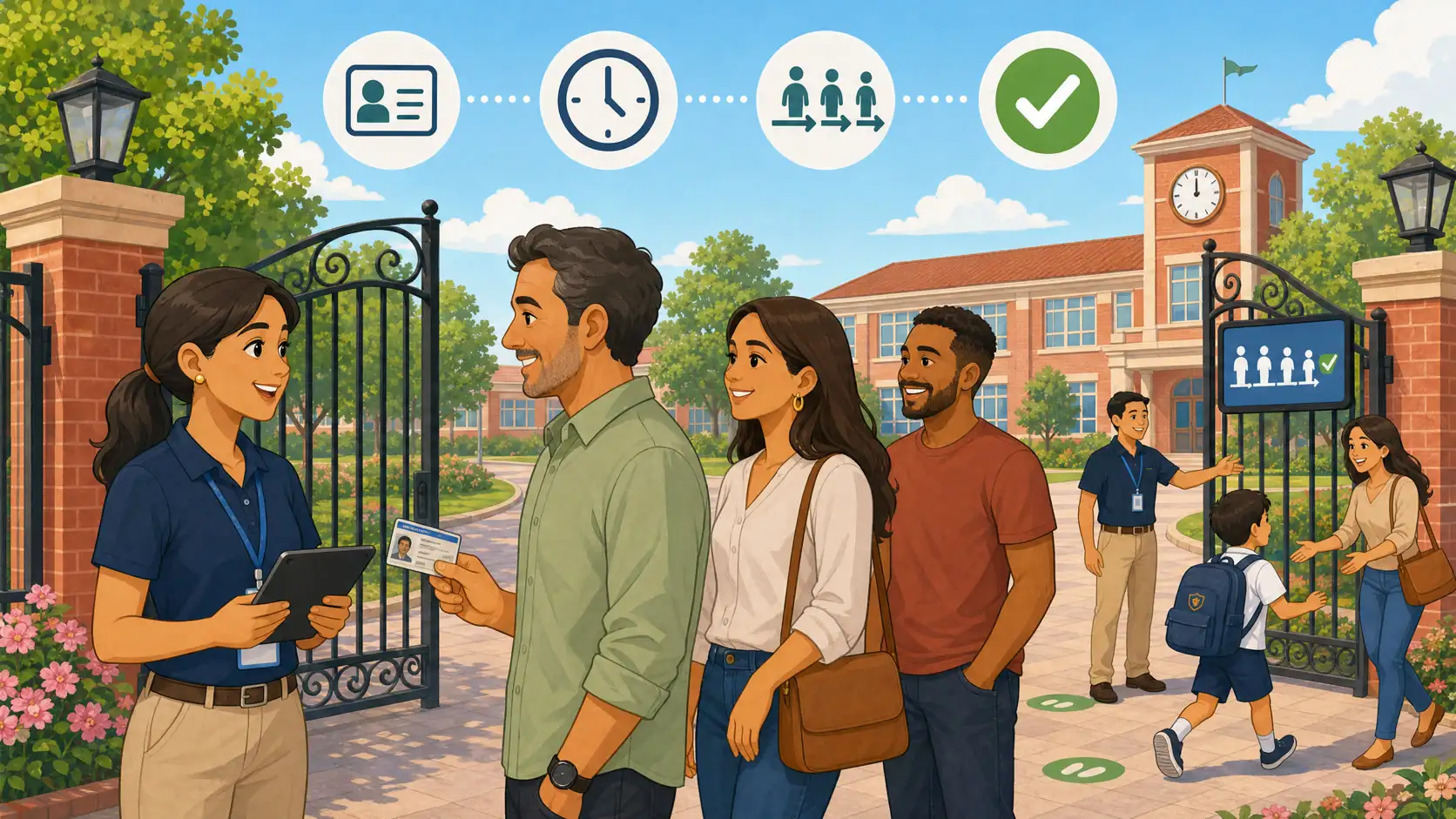
5. Student Dismissal and Pickup
The problem: this is the most overlooked process and, at the same time, the one with the highest risk. Most schools still operate with paper lists, physical ID badges, or simply "the teacher knows who the parent is." The risks:
- Safety: without formal identity verification, an unauthorized person could pick up a child
- Chaotic lines: at dismissal time, the buildup of cars and people creates stress for staff, parents, and children
- Legal liability: in case of an incident, the school needs to prove it followed a verification protocol
- Data privacy: paper authorization lists with personal data circulating without control
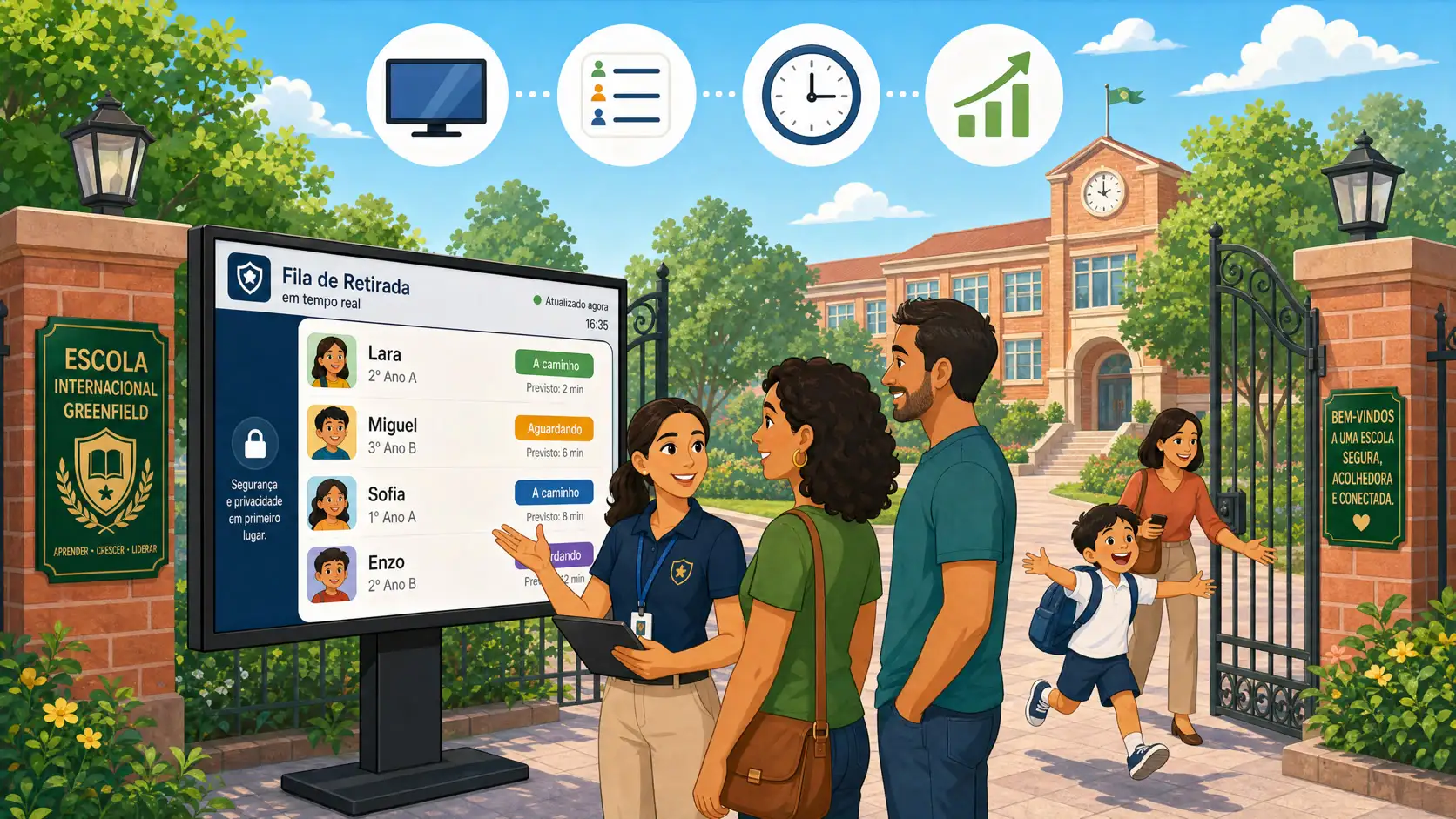
The digital solution: student dismissal management platforms that offer digital identity verification for authorized pickups, a real-time dashboard showing who is picking up which student, third-party authorization via app (grandparent, driver, neighbor), and automatic logging with a complete audit trail.
Practical gain: the school eliminates dismissal chaos, has documented proof of every pickup, and transforms a stressful moment into a safety differentiator for parents. Schools that digitize dismissal report significant reductions in average line wait times and increased safety perception among families.
KidsFlow is a platform specialized in this process: digital identity verification, real-time dashboard, secure guest passes for authorized pickups, and emergency mode. If dismissal is the biggest pain point at your school, see how it works or download the app to try it out.
6. Reports and Decision-Making
The problem: data scattered across different spreadsheets, reports manually assembled for board meetings, and decisions based on "gut feeling" rather than numbers.
The digital solution: centralized dashboards that cross-reference enrollment, attendance, financial, and communication data. Metrics like re-enrollment rate, delinquency by class, and attendance by period are accessible in one click.
Practical gain: when an administrator sees that the preschool re-enrollment rate dropped 12% while pre-K rose 8%, they can investigate the specific cause instead of treating the problem as generic.
Common Mistakes in School Digitization
Digitizing everything at once
The temptation to purchase a complete system and activate all modules in the same month is the fastest path to failure. Staff gets overwhelmed, parents get confused with multiple new tools, and the project loses credibility.
What to do: choose one process to digitize first (the one that hurts most), stabilize it in 30–60 days, then move to the next.
Choosing the tool before mapping the process
Buying a management system without first understanding how the process works today is automating the mess. Before purchasing any tool, document: who does what, in what order, and where the bottlenecks are.
Ignoring staff training
Resistance to change is the biggest obstacle to school digitization. Teachers and coordinators who don't understand why the change is happening will (unintentionally) undermine the process. Set aside time for training, listen to concerns, and adjust.
Not involving parents in the transition
If you migrate communication to an app but don't teach parents how to use it, you'll run two systems in parallel: the digital one and the "send a note in the backpack because mom didn't see it on the app" one. Do a clear launch with a tutorial and an adaptation period.
How to Get Started: A Practical 4-Step Roadmap
Step 1 — Identify the most painful process. Ask your team: "Which administrative task takes the most time or causes the most problems?" The answer is almost always enrollment, communication, or student dismissal.
Step 2 — Map the current workflow. Describe each step of the process as it is today: who does what, how long it takes, and where errors occur.
Step 3 — Research specific tools. Don't search for a "complete school management system" as your first purchase. Find the tool that solves the specific problem you identified. Then integrate.
Step 4 — Implement with deadlines and metrics. Define: "In 30 days, 100% of re-enrollments will be done through the online form" or "In 15 days, dismissal will be managed through the app." Measure before and after: time spent, errors, parent complaints.
Frequently Asked Questions
Do I need to replace my school's entire system to digitize?
No. Digitization can be done process by process, with specialized tools that integrate with what you already use. You don't need to replace everything at once — start with the one that hurts the most.
How much does it cost to digitize school management?
It varies widely. Communication tools start at $2–3 per student/month, and complete management systems cost $500–2,000/month depending on school size. The most important thing is to calculate how much the school loses with manual processes: front office hours, late payments, and lost re-enrollments.
What if my staff resists the change?
Resistance is normal and expected. Three actions help: (1) involve the team in choosing the tool — people who participate in the decision adopt more easily, (2) show the personal benefit ("you'll stop doing roll call on paper"), (3) allow time for adaptation and offer support during the first 30 days.
How do I ensure data security and privacy compliance?
Verify that the chosen tool has: data encryption, servers compliant with local privacy regulations (GDPR, FERPA, etc.), a clear privacy policy, and role-based access control (not every employee needs to see everything). Ask the vendor for their compliance report.
Where do I start if my school is small?
Small schools have the advantage of being able to digitize faster — fewer people to train, fewer processes to migrate. Start with parent communication (replaces the paper agenda) or dismissal management (eliminates the safety risk). Specialized tools usually have affordable plans for smaller schools.