CPF at the school gate: releasing a student when the guardian has no phone
· 11 min read
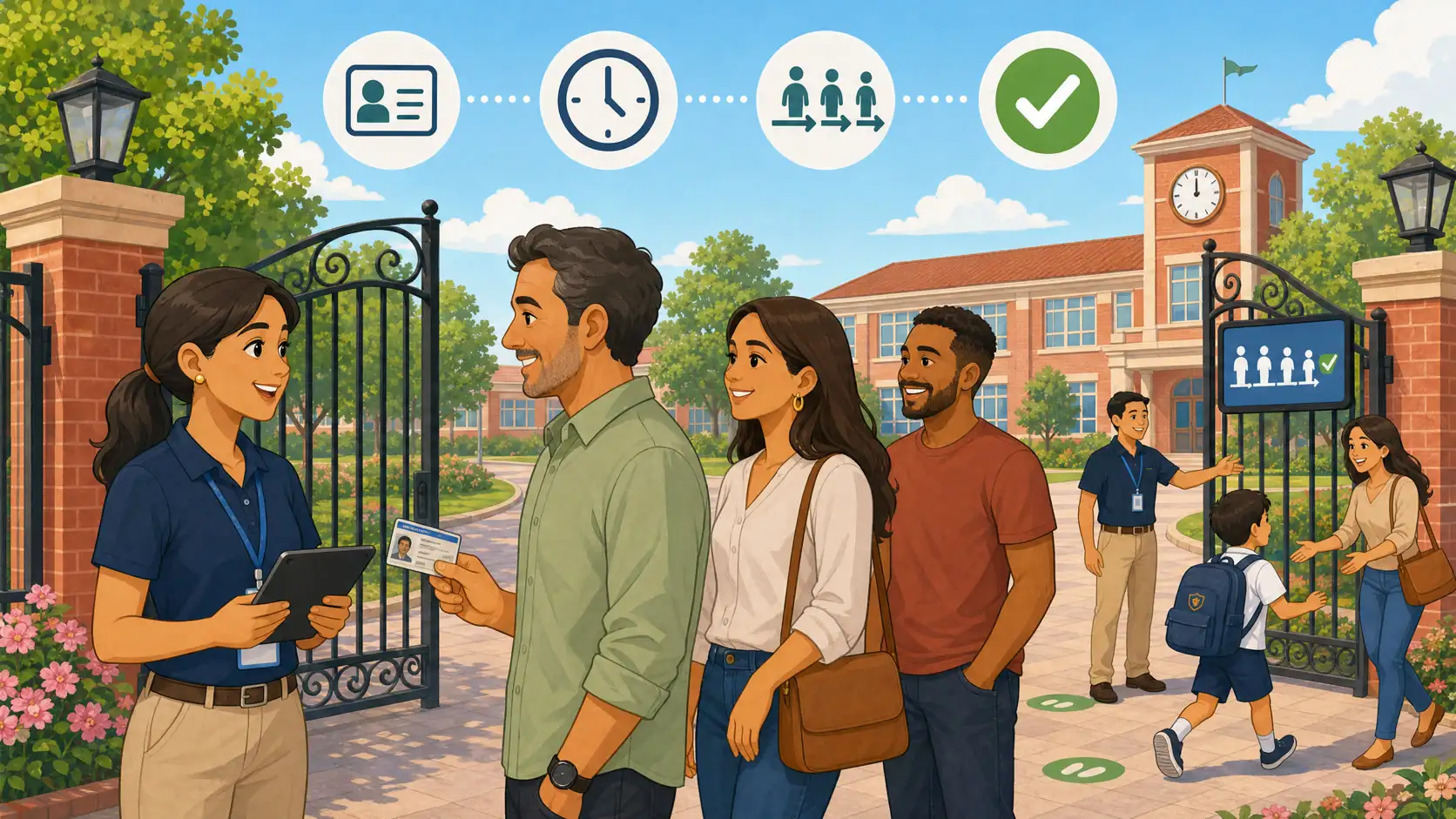
It is 5:40 p.m. The gate line moves. A mother arrives with a backpack and the look of someone who already ran the day: the phone died on the bus — or stayed at home on the charger. Her child waits in the yard. The gate staff know the face. The file has a photo. But the flow the school trained in March runs through the app, the QR code, or a group message. No battery, and the protocol turns into improvisation.
Someone calls the coordinator. Someone asks whether “we can release because we know her.” Someone writes a name in a notebook. The child leaves. Nobody wants to be the villain of the day. The problem is not empathy. It is what the school can prove afterward — and what failed the moment the guardian had no phone in hand.
This article is not about SuperApp queues or replacing WhatsApp with yet another group. It is about a concrete, filmable scene: whoever picks up at the gate proves identity — including when they arrive without a phone. The wedge is an ID document (in Brazil, the guardian’s CPF) as complementary proof, plus face confirmation, the guardian’s document photo when staff need to check it, method recorded in the release history, and — if the school allows it — an explicit, audited exception release. The same cut belongs in the school gate protocol: drop-off and pickup with a written rule, not sidewalk improvisation.
Why photo, QR, and WhatsApp alone fail in that moment
A photo on file is necessary. Alone, at peak hour, it is not enough. Staff see dozens of similar faces, bad light, new glasses, a guardian who only appears on Tuesdays. Without a second factor — a code, a document, or a cross-check — the decision becomes personal judgment in the middle of the line.
QR codes and in-app codes work well when the device works. When the battery dies, the app hangs, or the phone was left at home, that channel disappears. The same is true for WhatsApp groups: no signal or no handset means no “send a screenshot.” We already covered why parent groups are not an authorization system in Kidsflow vs. WhatsApp for student pickup authorization. The narrower point here: even a good digital flow needs a plan B that does not depend on the guardian’s hardware.
One-off authorization by message helps when a babysitter or grandparent changes at the last minute — when the message arrives and is recorded. It does not help the primary authorized guardian who is standing there with an ID and no phone. Mixing both cases into the same improvisation is the most common operational mistake. The broader student pickup authorization guide covers enrollment, photos, and logs. This article closes the hole of the primary guardian without a phone.
Document as complementary identity proof
In Brazil, schools and daycare centers already collect the guardian’s CPF (and often an ID card) at enrollment. The number is not new. What most gates lack is using it on purpose at release time — with a written rule, not a casual “show me your ID real quick.”
A document does not replace authorization. It identifies who stands in front of the gate. Authorization says whether that person may take that student. Both must exist together. A CPF that matches no authorized adult is a no. A CPF that matches the primary guardian without a face check on screen is still an incomplete decision.
In daycare and early childhood education the scene is even more common: a guardian who picks up every day with the phone at the bottom of a bag, or an authorized grandparent who does not use apps. Treating ID only as enrollment paperwork — never as a search key at the gate — is leaving plan B in a notebook.
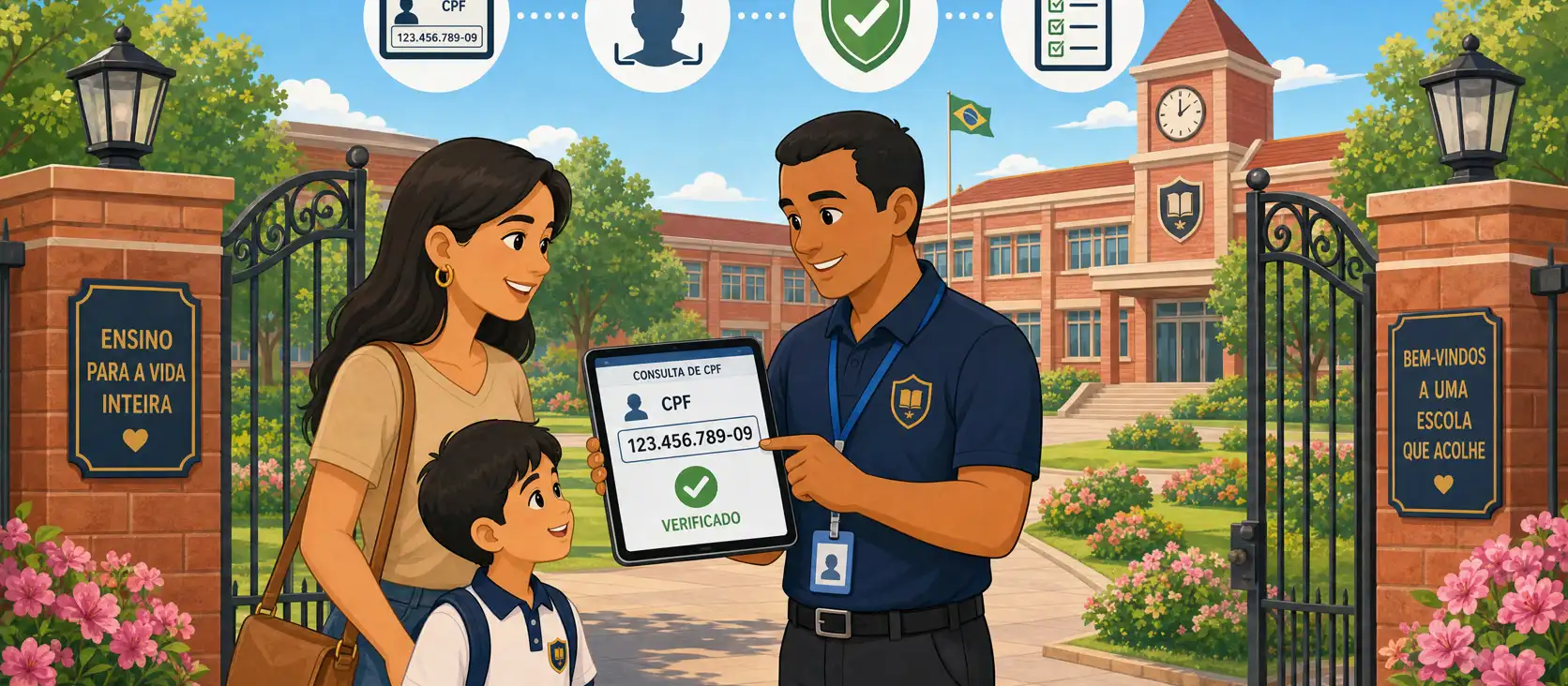
The protocol: CPF → link → face → release → audit
A filmable protocol fits in five steps. Write it, train it, and run the same flow Monday through Friday:
State the document (CPF). The guardian gives the number or presents the ID. Staff query the registry — not the gatekeeper’s memory.
Link to an authorized adult. The system returns the guardian linked to that document and the students they may pick up. No active link, no release.
Face confirmation. The enrolled photo appears next to the person at the gate. When the school needs it, the guardian’s document photo can also be revealed on screen — with audited access. The CPF found the record; the face confirms it is the same person.
Release the student. Only after the link and visual confirmation. No “we know them by sight” shortcut in the middle of the protocol.
Auditable log. Who picked up, which student, time, staff member who released, and the method of release (app code or document at the gate). Without method in the log, you cannot reconstruct the day later.
This is the same duty of custody and supervision Brazilian private schools already carry under Civil Code arts. 932, IV and 933, and the prevention duties in the Child and Adolescent Statute (ECA). A protocol without a record disappears in testimony. Legal protection at pickup — identity checked, log written — is covered in student pickup safety and legal protection.
Why face confirmation is the real control
A CPF is not a secret. Document numbers leak in spreadsheets, chats, and photos of wallets. Treating the CPF alone as a “gate password” is the same mistake as releasing a child because someone recited the student’s full name.
The document answers: which record am I looking up? The face answers: is the person in front of me the one on file? Without the second question, a correct CPF spoken by a third party becomes an incident. With both, the guardian without a phone can still pass — and the school still has proof of what it did.
That also separates document release from in-app code release. They are different methods with different risks. Logging the method is not a software nicety: it is what lets you audit whether plan B was run with the same rigor as plan A.
Data protection: guardian CPF, photos, and access logs
Collecting a guardian’s CPF and photo (and a minor’s photo) is personal-data processing. For children, Brazilian LGPD requires heightened care. Typical bases for a private school: contract performance and legitimate interest tied to student safety, with transparency in the privacy notice and enrollment contract. That does not authorize an open spreadsheet in the staff room.
Operational minimum legal and coordination teams should lock together:
Explicit purpose: identity at the gate and release audit — not marketing.
Least privilege: who on staff may query CPF, face photo, and — when needed — the document photo, on which screen, with authentication.
Access logging: who looked up that document, when, and who revealed the document photo at the gate. Routine sensitive data still needs a trail.
Retention: how long release history and documents stay after enrollment ends.
Correction: when a guardian changes ID or photo, the registry follows.
Photos of minors and guardians at the gate are not app decoration. They are data. Improvising ID searches in WhatsApp groups or sending ID screenshots in private chats multiplies uncontrolled copies. The same layering idea — building access control versus who leaves with the student — appears in the school access control guide: neighboring problems, not the same button.
Operations: filling gaps via CSV and incomplete enrollment data
A document-at-the-gate protocol dies in week one if the guardian’s CPF is not in the system. Schools migrating from notebooks, legacy ERPs, or spreadsheets almost always have gaps: student with photo, guardian without document; father’s ID only, never the mother who actually picks up; a mistyped CPF from 2019 enrollment.
Filling gaps via CSV (or bulk import) is not product glamour. It is the dirty work without which staff fall back to “we know them by sight.” Before announcing the new flow to families:
List primary and secondary guardians per student and mark who already has a valid document.
Import what the ERP or office already has; finish the rest with a clear campaign (deadline, channel, who validates).
Define incomplete records: the system does not invent a link — release falls to a documented exception path, not a shortcut.
Train staff for exceptions: call the coordinator, second check, log the reason. An unlogged exception becomes informal policy.
Incomplete enrollment data is not an IT footnote. It is a predictable process failure. If half of primary guardians have no CPF in the database, promising “document release” only creates a fight on the sidewalk.
How Kidsflow covers CPF release at the school gate
Kidsflow treats pickup authorization as a process: who may pick up, under what link, with what record. On the document-at-the-gate line, the product already covers the full flow for primary guardians (and other enrolled authorized adults) when there is no phone:
Capture and edit of the guardian’s identity document (CPF), with CSV import and bulk-update support.
Document search at the gate and document-based release: CPF → link to an authorized adult → face confirmation → pickup.
The guardian’s document photo can be revealed on the gate screen when staff need to check it — with audited access.
Each release records the method (app code or document at the gate), so the school can reconstruct the day without relying on staff memory.
Optional school setting for a gatekeeper document exception: it only appears if the school turns it on; the exception is explicit and recorded, and managers see method and exception evidence on the going/release history.
The real control remains the face — not the CPF alone. The document finds the record; the photo confirms the person; the method-aware log (and exception release, when used) closes the proof. It is the same protocol in this article, operationalized at the gate, aligned with the school gate protocol and the pickup safety trail.
If your pain today is improvising every time a phone dies, the useful next step is to complete document enrollment, train the five-step flow, and review document releases in history — with method and, when applicable, an exception release. A short demo shows document capture, photo confirmation, audited document-photo reveal, and the trail left in the history.
A guardian without a phone does not have to become an incident. They need a protocol: document to find the record, face to confirm, log to prove.
Frequently asked questions
Can we release a student with CPF only, without checking the photo? No. CPF identifies the record; face confirmation identifies the person. A document alone is not a password.
Does the guardian’s document photo appear automatically? Not as an always-on routine. It can be revealed at the gate when staff need to check it, with audited access — not as a loose WhatsApp screenshot.
What if the guardian forgot both the ID and the phone? Use the exception path: contact the coordinator, second verification, and log the reason. If the school enabled a document exception release, it is explicit and stored for managers — not an invisible shortcut.
Do authorized grandparents or babysitters also use CPF at the gate? Yes, if they are enrolled with document and photo and have an active authorization for that student. An ID in hand does not create authorization by itself.
Does storing a guardian’s CPF violate LGPD? Collecting it for safety and contract performance, with restricted access, defined retention, and family transparency, is the usual path. Open spreadsheets and WhatsApp screenshots are not.
Do QR codes and documents compete? No. QR/codes cover guardians with a working app. Documents cover the same authorized adult when the phone fails. Both leave a distinct method in the log (app code or document at the gate).
What if the enrollment CPF is wrong? Fix it before peak hour. A bulk update and an enrollment campaign are part of the protocol; dirty data breaks the gate link.
Conclusion
Queues, SuperApps, and WhatsApp authorization are important conversations — covered elsewhere. The cut here is different: the authorized guardian who arrives without a phone and still must prove who they are. Document (CPF) finds the record; face confirms; the document photo can be checked with an audit trail; a method-aware log (and an explicit exception release, if the school allows it) closes the proof.
Schools and daycare centers that improvise in that minute trade empathy for risk. Schools that write the protocol, complete enrollment data, and log the release stay humane on the sidewalk — and defensible afterward.
This text is informational for school leaders. It is not legal advice for your school, contract, or municipality. Align documents, photos, and retention with counsel before changing the gate policy.