CPF at the school gate without slowing the pickup line
· 11 min read
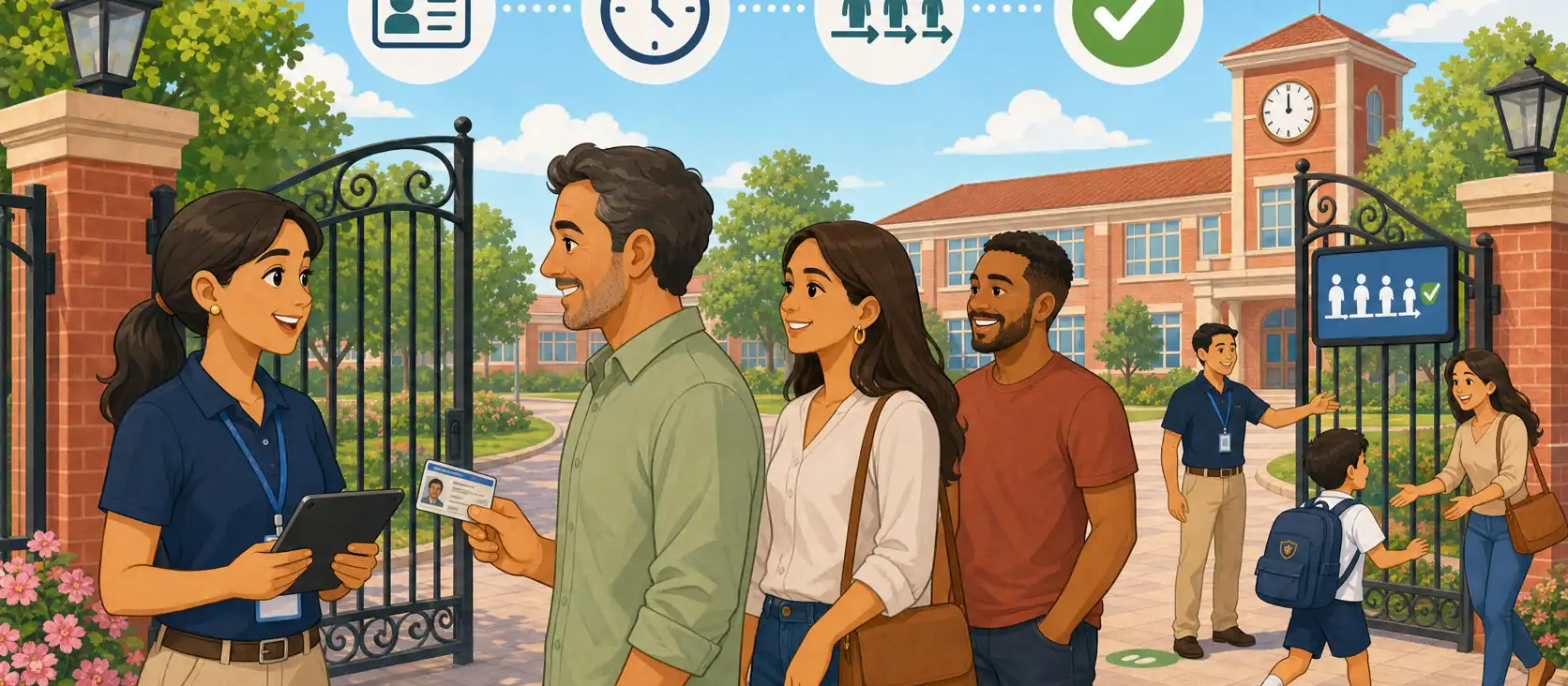
It is 5:48 p.m. The car line already reaches the corner. At the gate, the team learned that “we can now release by CPF” — and started asking every adult for an ID. People with the app code wait. People who pick up their child the same way every day wait. People who actually arrived without a phone wait too. The sidewalk became a single bottleneck: one slow query, one keyboard, one conversation.
Releasing a student with a document at the gate is a necessary plan B. Turning that plan B into the default 5 p.m. flow is what stalls the line. This article is the operational cut: protocol, peak-hour staffing, and the rule for when to use the in-app code and when to query a CPF — without dropping the identity check and without creating a second jam at the gate.
The case of the authorized adult who arrives without a phone — identity, face, record — is covered in CPF at the school gate: releasing a student when the guardian has no phone. The question here is different: how the school uses that method at peak hour without sacrificing pace.
A document at the gate does not have to become a bottleneck
Coordination’s classic fear is fair: if gate staff “know them by sight,” one day the school cannot prove who took the child. A document plus a face check closes that proof. The mistake is treating proof and throughput as enemies.
They are different layers. An in-app code is fast when the phone works: the authorized adult arrives, presents the method they already trained, staff confirm the photo and the link to the student, the child leaves. A document at the gate covers a hardware failure — dead battery, frozen app, phone left at home. If the school reverses the order and treats CPF as the main line, every release picks up tens of seconds of typing, digit hunting, and “does it need dots?” In dozens of cars, that is not a detail. It is the whole peak.
The simple operating rule: the default method at dismissal is the fastest one that still identifies the authorized adult. The document comes in when that channel fails — or when the school deliberately opened a lane for people who already arrived without a phone.
Write that into the school gate protocol: not as a safety speech, as a job-post design. Who queries, on which screen, in which lane, and what happens when the registry does not return an active link.
When to use the in-app code and when to use a document
Three mental lines in the team’s head prevent “ask everyone for a CPF”:
In-app code. An authorized adult with the app working. This is a normal Tuesday. Photo check on screen, student linked, method recorded. Do not ask for a document “just in case” if the protocol already closed identity that way.
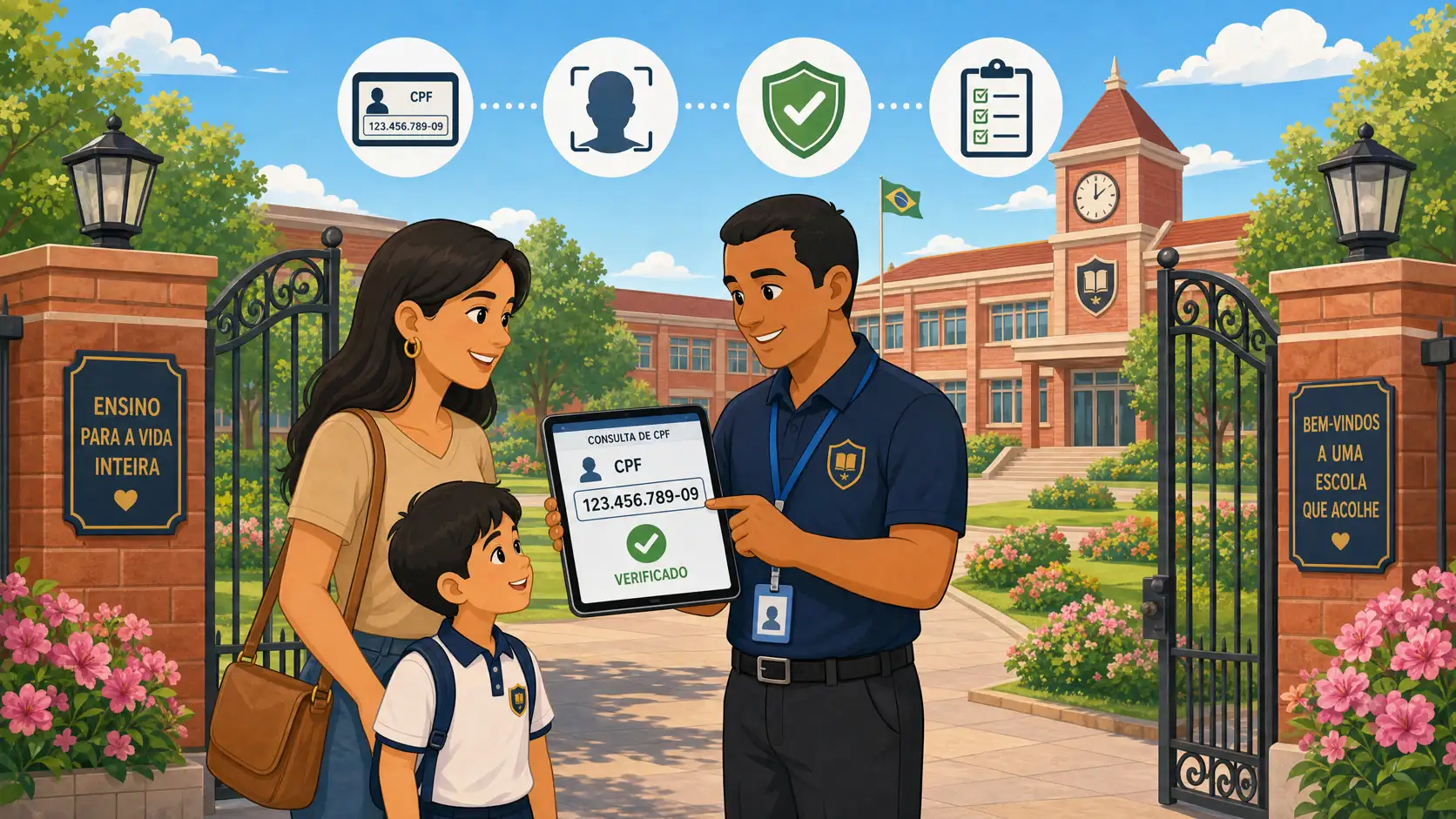
Document at the gate (CPF). An enrolled authorized adult, no phone in hand, ID available. Staff query the registry, confirm the face, release, and record the method. This is not a shortcut for people who “don’t like apps.” It is the plan when the authorized adult’s digital channel failed.
Exceptional release. Incomplete record, new authorized adult, photo that does not confirm, person who does not appear on the link. Stop. Second check, coordinator, reason on the record. An exception in the middle of the fast lane is what actually stalls the gate — and what creates the most risk later.
Mixing all three at the same counter, with the same person, on the same keyboard, is the design that fails. Families see “the school got more bureaucratic.” Staff see “everything takes longer now.” The history still does not get a better proof, because the record is written in a rush.
A document does not replace authorization. It identifies who stands in front of the team. The link says whether that person may take that student. In-app code and document at the gate are different methods for the same question — not rival protocols.
A short protocol the pickup line can actually run
A peak-hour protocol fits in a few steps. If it needs a meeting to execute, it is not a 5:40 p.m. protocol.
Identify the method on arrival. In-app code, document, or exceptional case. Staff do not invent the method mid-conversation.
Query the registry — not memory. Screen with photo, linked students, active authorization. “We know them” is not a step.
Confirm the face. The number found the record; the face confirms the person. Without that check, a CPF spoken by a third party becomes an incident.
Release and record the method. Who picked up, which student, time, which staff member released, and whether it was in-app code or document at the gate.
Divert the exception. If the link does not close, that person leaves the fast lane. Another post, another clock. The main line keeps moving.
Five steps do not mean five minutes. They mean the same order, Monday through Friday, with a team trained not to narrate the protocol out loud to every adult. People waiting on the sidewalk do not need the manual. They need to see the gate move.
The duty of custody stays the same: the school answers for the student until handover to an authorized person. After handover, custody typically passes to the family — with the field-trip, school-transport, and extra-hours caveats in is the school responsible for students off campus?. A protocol that is too slow does not increase that protection. A clear, recorded protocol does.
Staffing and roles at peak hour
Throughput at the gate is job-post design, not “more people shouting names at the door.”
A layout schools with 200 to 600 students can usually sustain:
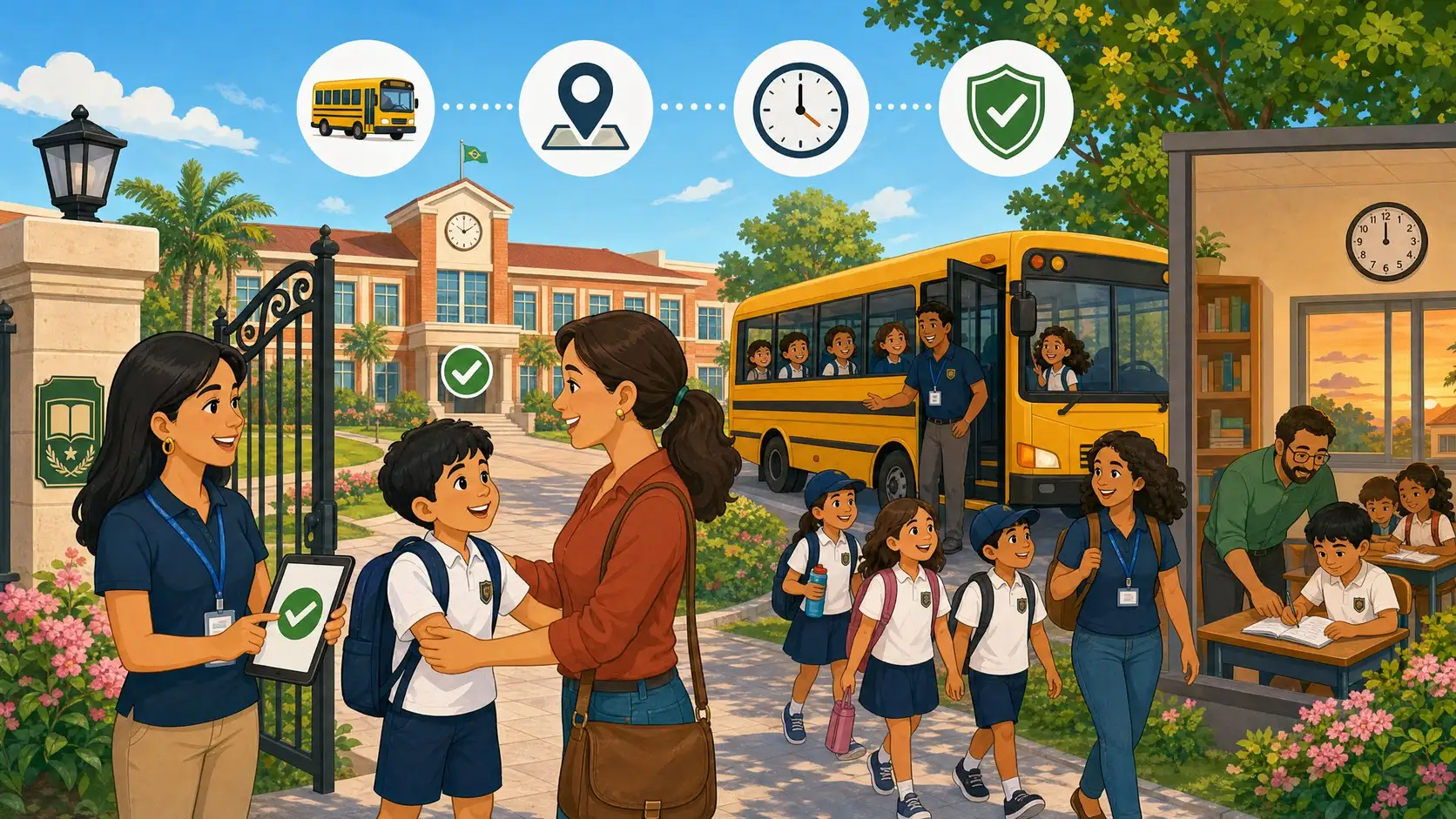
Fast lane (in-app code). One person, a clean screen, a photo check, a release. No enrollment support, no “let me see your CPF,” no call to the office.
Document lane. Another person, or the same staff member only when the fast lane is empty. Keyboard, query, face check, method on the record. People arriving without a phone already know where to go — a sign, a gesture, one sentence.
Exception. A coordinator or a third person on the radio. Not the fast-lane person. Every exceptional case on the same keyboard pushes ten cars backward.
If the school has a single staff member at the gate, the protocol still holds: the order of methods stays. What changes is communication with the line — “if you have the in-app code, please to the left” — so the slow case does not stack in front of the fast one.
A fifteen-minute drill, once a week in the first month, is worth more than a PDF in the staff room. Rehearse the no-phone case, the incomplete-record case, and the authorized adult who only picks up on Thursdays. Peak hour is not when you discover the flow.
Clean records: the work that happens before 5 p.m.
A document query at the gate dies if the authorized adult’s CPF is missing from the system, or still carries a wrong digit from an old enrollment. That is not fixed at the gate. It is fixed in the office, with a deadline, an owner, and a bulk update.
Before telling families that “we can also release by document”:
List authorized adults per student and mark who already has a valid document and a usable photo.
Finish the rest with a concrete campaign: channel, deadline, who validates. Without a campaign, the document lane becomes a re-enrollment line at 5:50 p.m.
Define what happens with an incomplete record: the query does not invent a link. It falls to a documented exceptional release — not a sidewalk workaround.
Fix digits, names, and photos off-peak. Every correction at the gate is one more car standing still.
An incomplete registry is a bottleneck dressed up as safety. Staff may follow the protocol; the screen does not return the authorized adult; the conversation starts. Families conclude that “CPF at the gate doesn’t work.” What does not work is an incomplete base.
Exceptional release without stopping the gate
A well-designed exception is what keeps the protocol from turning into theater. A poorly designed exception is what creates the line the school promised to remove.
Criteria that fit on an internal poster, not a twenty-page rulebook:
No active link, no release in the fast lane.
Photo that does not confirm, no release in the fast lane.
A last-minute authorized adult (new nanny, a relative who “mom texted the group”) does not enter a CPF query as if they were the primary guardian. A one-off authorization has its own path — and it must be on record before the child leaves.
Reason, time, staff member, and method go into the history. Without that, the school cannot reconstruct the day.
The peak-hour temptation is “release now, we’ll write it down later.” Later never gets written. The record made in the minute is what holds the school if someone asks who took the student. Pickup safety and school access control are neighboring problems: one controls the perimeter; the other controls who leaves with the child. Both need a trail. Neither needs that trail to be born from a single choked keyboard.
A visible line: what families need to see
Part of the bottleneck is not the query. It is the question. Every adult who does not understand the order arrives at the attendant’s shoulder: “has mine been called?”, “is this the line?”, “can I use a document?”. Each question is an interruption. Each interruption stretches the release of someone who already had the right method.
Simple signage already cuts that: in-app code lane, document lane, where exceptions go. In schools with a yard or a drive-through, a pickup-queue TV panel aligns what families see with what operations already know — without shouting names on the sidewalk and without exposing extra data on the screen.
The panel does not replace an identity check. It supports the pace: fewer questions, more throughput, the same proof in the history. If the TV shows one state and the gate does another, the line starts interrupting again. Sync is operations, not decoration.
How Kidsflow helps keep the pace
Kidsflow treats pickup authorization as a process: who may collect the student, with what link, with what record. At the gate that shows up as a registry query, a photo check, and a history with the release method — in-app code or document at the gate.
The product does not remove the need to design lanes and train staff. It takes out of the attendant’s memory what should not live in memory: the authorized adult, the linked student, the time, the method. Without that, CPF at the gate becomes a notebook; with it, plan B fits inside peak hour.
If your school’s pain is the line that stalls the minute someone asks for a document, the useful next step is to watch the flow with the team at real dismissal — not only the “what if the phone dies” cut. A short conversation shows query, confirmation, and the trail that remains in the history, at the same pace the sidewalk needs to move.
Frequently asked questions
Do we need to ask every adult for a CPF at dismissal? No. Ask for a document when the in-app code is not available, or when the school protocol reserved a lane for it. Turning CPF into the only line is what stalls the gate.
Do the in-app code and the document compete? No. They are methods of the same authorization. The first covers the authorized adult whose phone works. The second covers the same person when the phone fails. Both leave a distinct method in the history.
Can one person at the gate run both methods? Yes, if the order is clear and exceptions leave the main keyboard. Sign who has a code and who needs a document. Do not stack the slow case in front of the fast one.
What if the registry does not return the authorized adult? Do not force the query. Send it to exceptional release, with a second check and a record. Releasing “because the line is long” is the improvisation the protocol exists to prevent.
Does a document at the gate delay handover and raise legal risk? A protocol that is too slow irritates families and does not improve proof. A short protocol, with a face check and method in the history, is what the school can defend. After handover to an authorized person, custody typically passes to the family.
Is a TV at the gate worth it just because of CPF? Not just because of CPF. It is worth it if the line asks too many questions and staff lose pace answering. The panel reduces interruption; the protocol reduces error. One does not replace the other.
Conclusion
CPF at the school gate solves the authorized adult who arrives without a phone. It does not solve — and it makes worse — dismissal if it becomes the only 5:40 p.m. method. The design that moves: in-app code as throughput, document as plan B, exceptions out of the fast lane, records cleaned before peak, method in the history.
Write that into the protocol, train the team at the real post, and measure the line by what families feel, not only by the clock. A school that proves identity without stalling the gate stays human on the sidewalk — and sustainable next Tuesday.
This article is informational for school managers. It does not replace legal advice on your school’s case, contract, or city.