ID documents on pickup authorization: how the gate verifies who arrived
· 10 min read
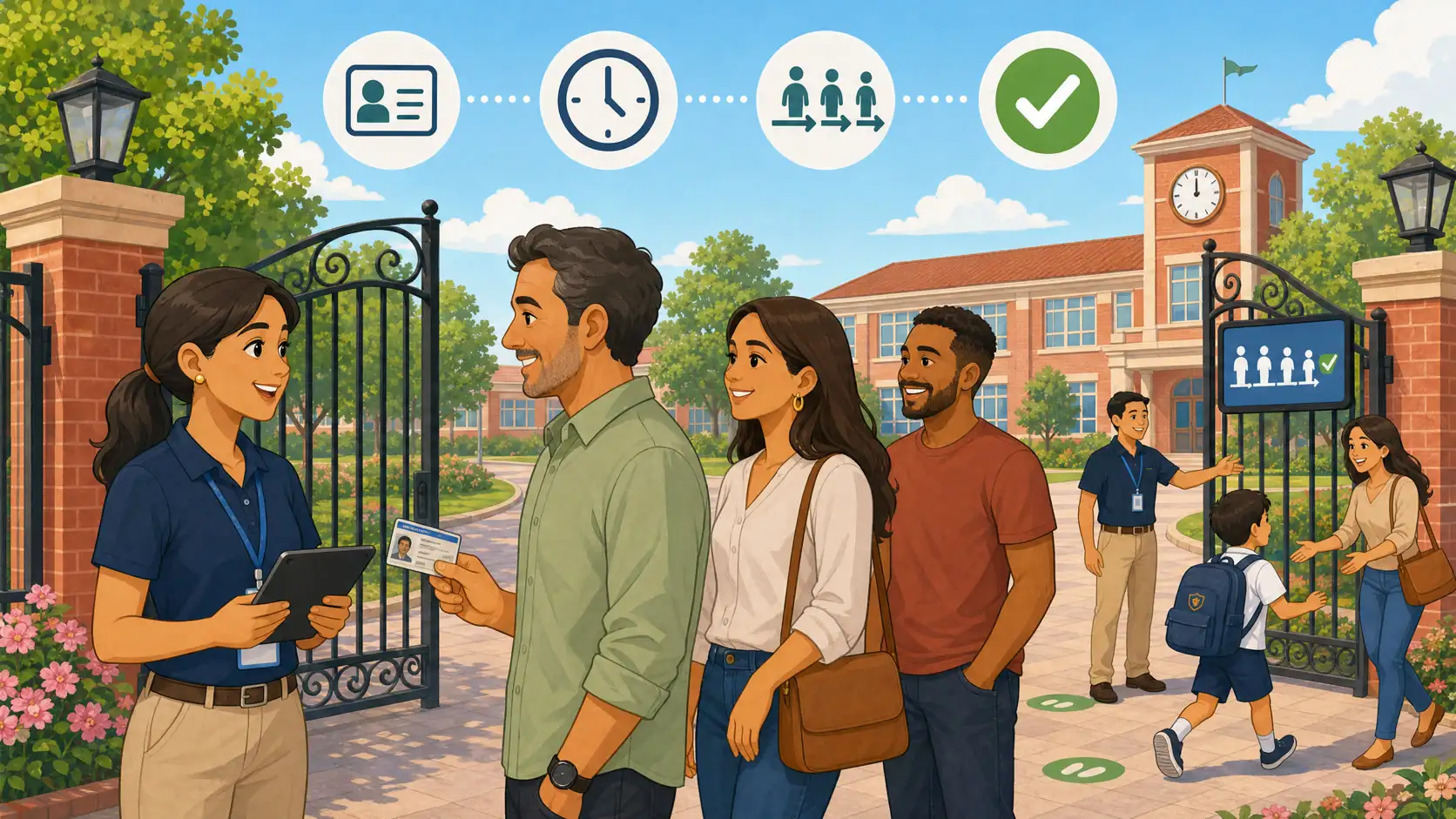
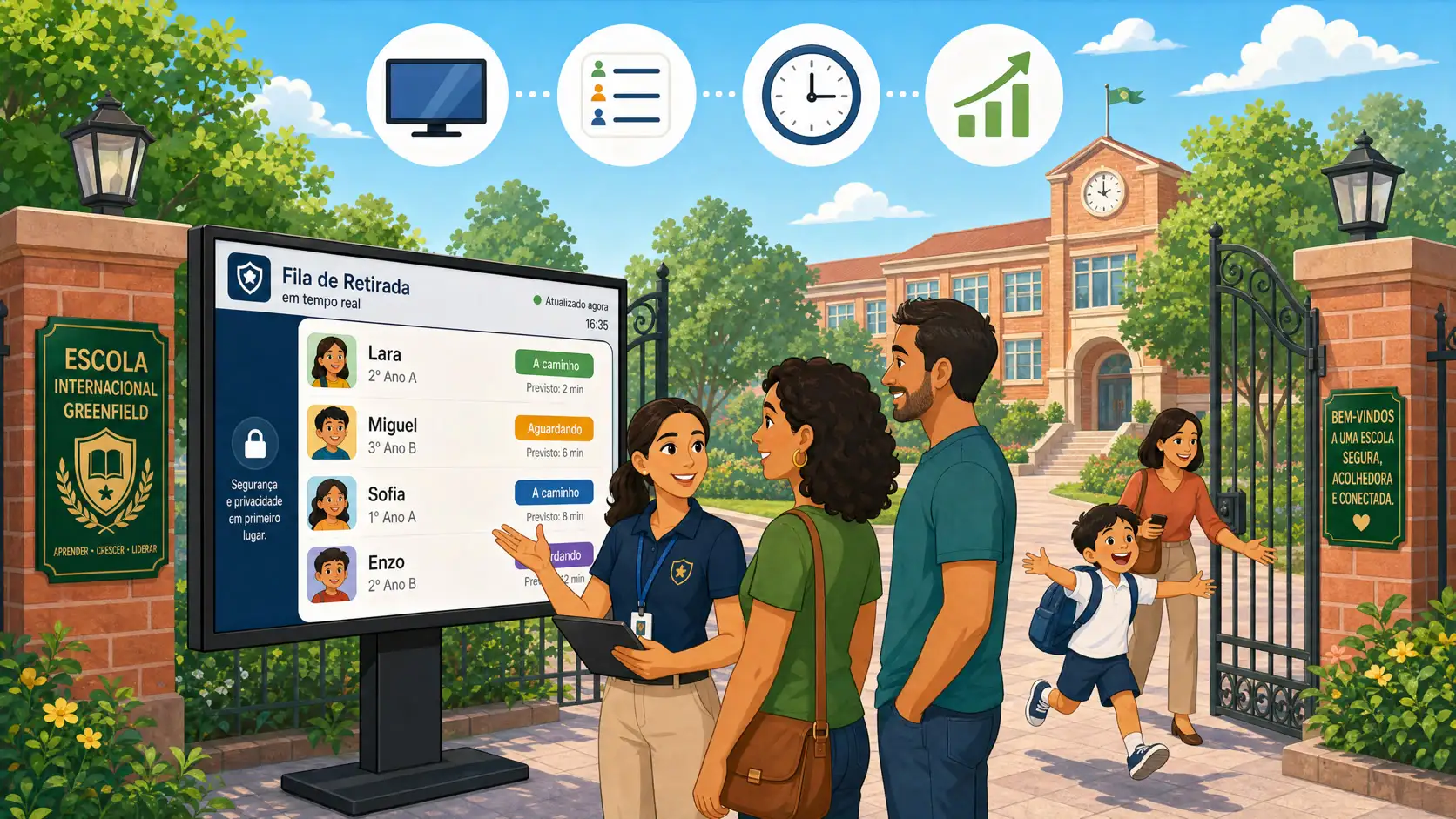
It is 5:35 p.m. The pickup code hits the gate screen. The student’s name appears. The link says “authorized uncle.” The line tightens. Staff ask for a name, glance once, and release. The code was valid. The person at the gate… nobody can prove, with evidence, matched the enrollment file.
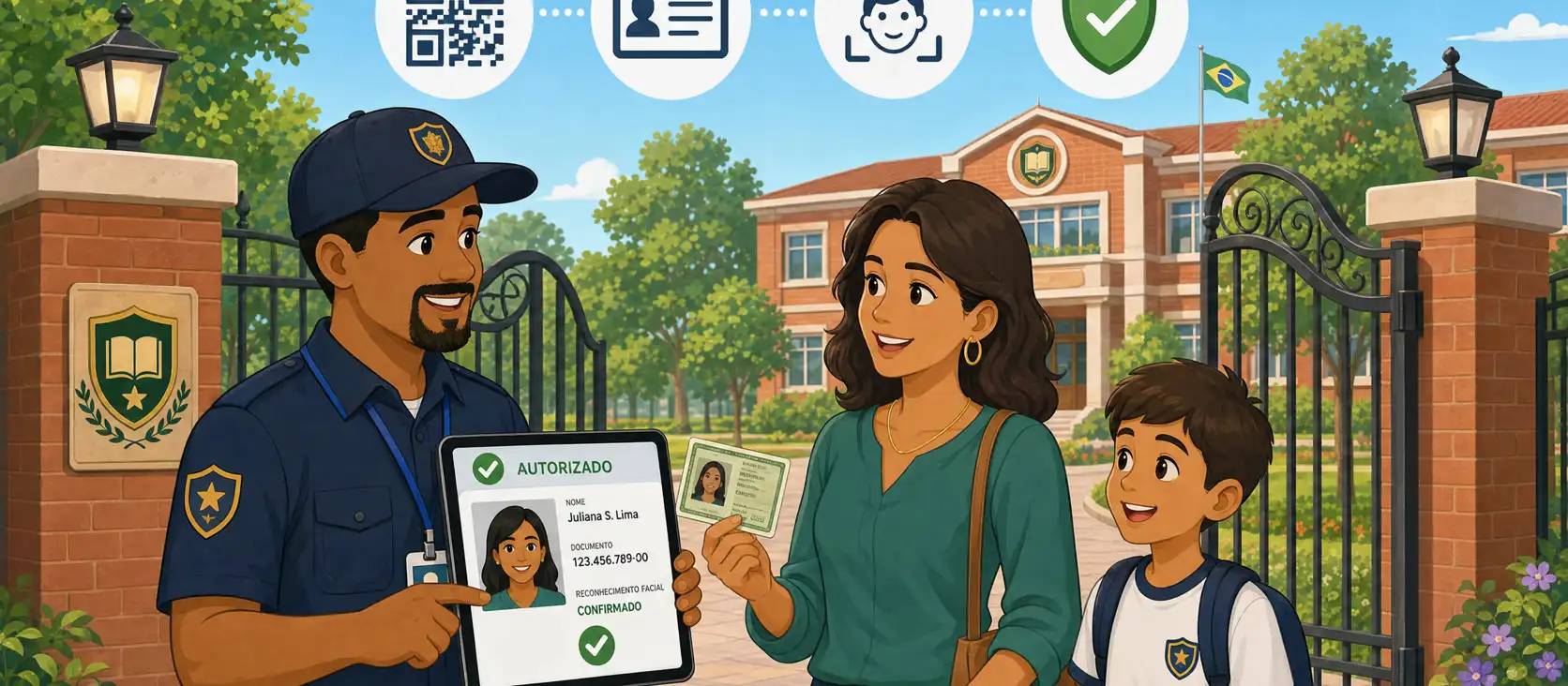
That is the hole ID documents on pickup authorization close. Not a document typed at enrollment and forgotten in a folder. The document the guardian or other authorized adult uploads themselves — type, number, profile photo, and document photo — and that the school requires before the code is enough in practice. At code release, the gate sees face, full number, and document image. Access to those fields is logged.
This article is not about the primary guardian who arrives without a phone and types a CPF at the gate. That scenario — document-based release when the phone fails — is covered in CPF at the school gate: document release. The wedge here is different: authorization by code plus proof of who arrived with documents. The code authorizes the pickup; documents and photos confirm the identity of whoever holds the code.
The code authorizes; the document identifies who arrived
Pickup authorization answers two different questions. First: may this person take this student today? Second: is the person in front of the gate actually the one on file?
A code (app, QR, pickup PIN) answers the first well — when the digital flow works and the link is active. Alone, it does not answer the second. A code shared in the family chat, a forwarded screenshot, a babysitter using a parent’s phone: the system releases on the code, not the face. Without document and photo on screen at release time, the school trusts the channel and improvises identity.
We already covered why WhatsApp messages are not a protocol in Kidsflow vs. WhatsApp for student pickup authorization. The student pickup authorization guide covers enrollment, photos, and logs. The school gate protocol writes drop-off and pickup step by step. This article closes the document layer inside code-based authorization: who may pick up is already authorized; the gate still must verify who arrived.
What the authorized adult uploads: type, number, profile photo, document photo
An incomplete office record — name and kinship only — cannot support a sidewalk check. The useful flow is the guardian or other authorized adult submitting identity data themselves:
Document type (national ID, driver’s license, passport, or whatever the school’s rules accept).
Document number, complete — not masked on the gate screen at release time.
Profile photo (recent face, decent light, no dark glasses if school policy requires).
Document photo (or PDF of the document) so staff can compare the physical ID with the person and with the number in the system.
PDF of the document is acceptable when the school allows it — useful for adults who scan a license or ID at home. The operational point is not file format; it is having image and number on the same record the code search uses.
Without upload by the authorized adult (or a campaign that completes enrollment), the gate keeps asking “show me your ID” out loud, with no trail. With that self-serve upload, verification becomes side-by-side: live face × profile photo × full number × document image.
What the school requires: document, profile photo, and document photo
Families and operations only align when configuration is explicit. School admins set what is mandatory for an authorized adult to count in practice:
Require document (type + number on file).
Require profile photo.
Require document photo.
Three settings, three different failures if they are off. Without a number, staff have nothing to read aloud or match to the plastic. Without a profile photo, judgment fills the gap in bad 6 p.m. light. Without a document photo, you lose proof that the number in the system came from a real ID — and you lose plastic × screen comparison.
The requirement belongs in the handbook and enrollment communication, not only in a hidden settings option. Anyone who picks up (parent, grandparent, babysitter, authorized driver) must know the code alone does not complete the protocol if identity enrollment is incomplete. Incomplete records do not invent a link: release falls to a documented exception path — call the coordinator, second check, reason in the log — not “we know them by sight.”
At code release: face, full number, and document photo
A filmable protocol at the moment the code arrives:
Valid code and active link. The system confirms that code releases that student for that authorized adult at that time.
Profile photo on screen. Staff compare the live face with the enrolled photo.
Full document number. No masking at the gate confirmation moment: the complete number is visible for reading and checking against the physical ID if the school asks for it.
Document photo. Image of the ID/license (or PDF) beside it, to cross-check layout, name, and number.
Release only after the check. Valid code + identity confirmed. Not “the code passed, let them go.”
Log with method and identity. Who picked up, which student, time, staff member, method (code), and that document/photo confirmation happened.
Masked numbers on the gate screen (e.g. ***.***.***-**) may make sense on printed reports or wide displays in the staff room. In the gatekeeper’s hand, at release second, masking defeats the purpose: they need the full document to verify. After release, history and who accessed those fields matter as much as the data itself — see the audit section below.
This is the same custody and supervision duty Brazilian private schools already carry under Civil Code arts. 932, IV and 933, and prevention duties in the Child and Adolescent Statute (ECA). Legal protection at pickup — identity checked, log written — is covered in student pickup safety and legal protection.
Why this is not the same as CPF release at the gate
Two flows, two problems, two records.
Code authorization + document check: guardian or other authorized adult with a valid code; the code and active link prove the right to pick up; face, number, and document photo prove who arrived; the typical failure is the right code with the wrong person.
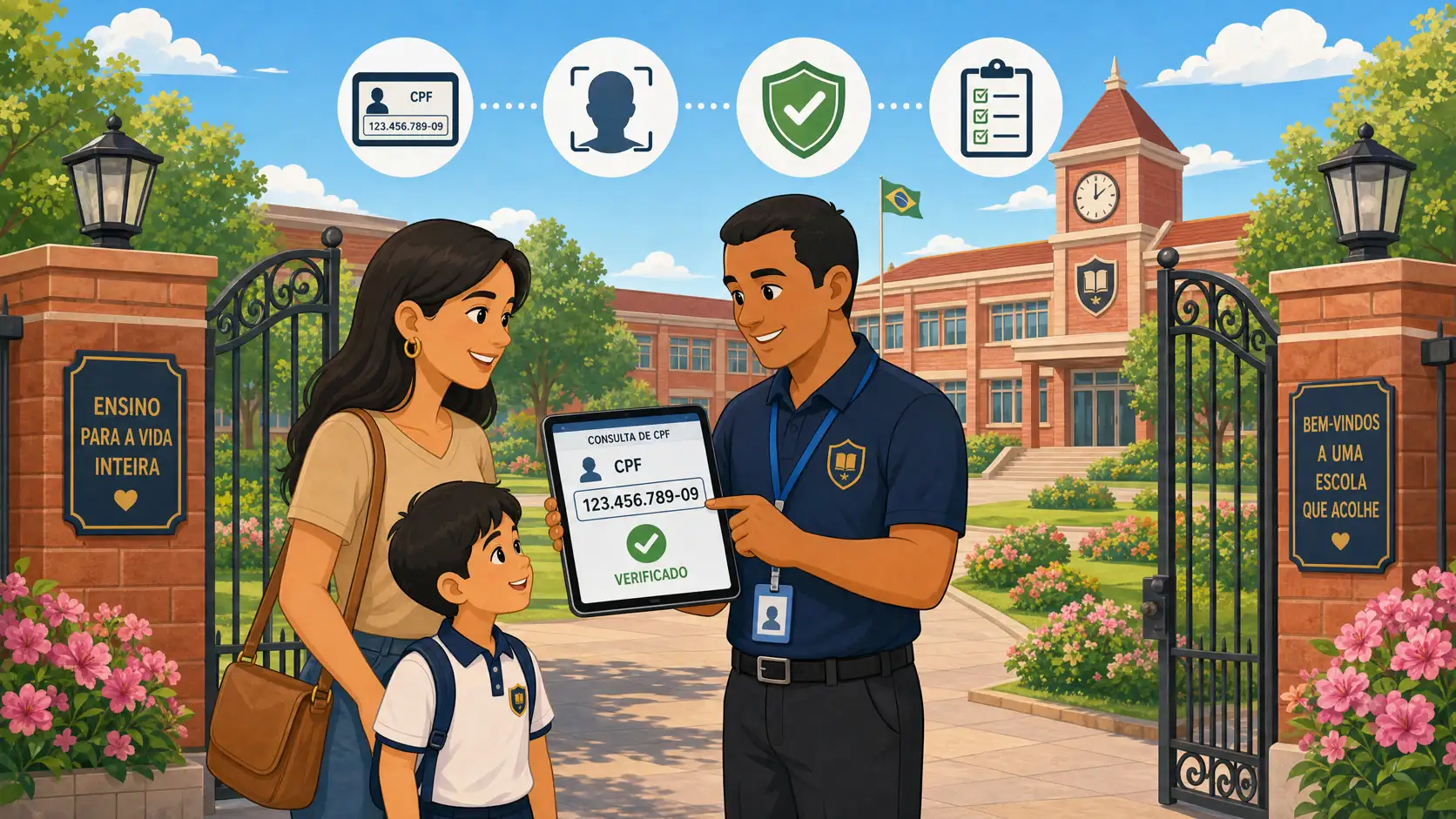
Document (CPF) release at the gate: authorized guardian without phone or app; authorized enrollment and the document link prove the right to pick up; face and the CPF/document link prove who arrived; the typical failure is “we know them by sight” when the phone is missing.
Mixing both in the same operational speech confuses staff. In code authorization, the document does not replace the code: it closes the identity of whoever presents the code. In CPF release without a phone, the document is the search key because the digital channel disappeared. Train both; log the method; do not use the same improvisation for both.
Data protection: photos, full numbers, and who accessed the data
Collecting document type and number, profile photo, and document photo from guardians and other authorized adults — and showing full numbers and images at the gate — is personal-data processing. With minors involved, Brazil’s LGPD requires heightened care. Typical bases for a private school: contract performance and legitimate interest tied to student safety, with transparency in the privacy notice and enrollment contract.
Minimum legal and coordination teams should lock together:
Explicit purpose: identity confirmation on pickup authorization and audit — not marketing, not a hallway board.
Least privilege: only gate roles (and supervision) see full numbers and photos at release; wide displays and printouts mask or omit.
Access audit: who opened the record with documents and photos, when, on which release. Routine sensitive data needs a query trail, not only a student-release log.
Retention: how long document photos and history stay after the link ends.
Correction: when an authorized adult changes ID or photo, the registry follows — or staff check against a stale plastic.
Screenshots of IDs in a coordinator WhatsApp multiply uncontrolled copies. Official self-serve upload + authenticated gate screen + log of who saw the data is the defensible design.
Operations: enrollment campaign and incomplete records
A document-on-code-authorization protocol dies in week one if half of other authorized adults have no photo or number. Before holding the gate accountable:
List guardians and other authorized adults per student; mark who has type, number, profile photo, and document photo/PDF.
Turn on requirements (document / profile photo / document photo) with a clear family deadline and channel.
Define block or exception path when enrollment is incomplete on pickup day.
Train staff: a valid code does not skip identity confirmation; an unlogged exception becomes informal policy.
A babysitter enrolled yesterday, a grandparent who picks up on Thursdays, a van driver: these are the cases where codes circulate and faces are less familiar. Requiring documents and photos for them is not bureaucracy — it is where “right code, wrong person” shows up first.
How Kidsflow organizes this layer
Kidsflow treats pickup authorization as a process: who may pick up, under what link, with what record. On the document-on-code-authorization line, the product already covers the ground this article describes: the authorized adult uploads document type and number, profile photo, and document photo (PDF accepted); the school configures whether document, profile photo, and document photo are required; at code release, the gate sees face, full number, and document image; access to that data is auditable.
What this article sells is the protocol, not a button checklist. The code unlocks the right to pick up; documents and photos close who arrived; release logs and document-access logs close the proof. If your school’s pain is a valid code with improvised identity, the useful next step is to map enrollment requirements, train the on-screen check, and review who accessed documents and photos.
A short demo shows authorized-adult document enrollment, the gate screen at code release, and the history that remains — without turning the sidewalk into theater.
A valid code does not prove who holds the phone. Face, full document number, and document photo on screen — with audited access — close the check.
Frequently asked questions
Isn’t the pickup code enough? It is enough for the right to pick up, if the link is active. It is not enough to prove the person at the gate is the one on file. Documents and photos close identity.
Does this replace CPF release when a guardian arrives without a phone? No. They are different flows. This article covers code authorization with documentary proof of who arrived. The no-phone scenario is in the sibling article on CPF at the gate.
Can the school require a document photo from babysitters and authorized drivers? Yes, if it is in the handbook and privacy notice, with the purpose of pickup safety. Other authorized adults (babysitter, driver, and so on) are exactly who need complete enrollment most.
Why show the full number at the gate? Because checking against a physical ID requires reading the complete number. Masking on the release screen empties the control; masking in other contexts and auditing who accessed the full number is the usual balance.
Does a PDF count as a document photo? If the school accepts PDF at enrollment, yes — what matters is a legible document image linked to the authorized adult, not the file format itself.
What if the authorized adult refuses to upload a document photo? Incomplete enrollment: the code should not complete the protocol alone. Documented exception path or block until fixed — set by leadership, not improvised in the line.
Conclusion
Code authorization without identity confirmation trades speed for risk. ID documents on pickup authorization — type, number, profile photo, document photo or PDF, school-configurable requirements, gate screen with face and full number, audited access — close the second question: who arrived.
Do not invent statistics for the parent meeting. Write the protocol, complete enrollment for other authorized adults, separate this flow from no-phone CPF release, and log method and confirmation. Schools that do that stay humane on the sidewalk and defensible afterward.
This article is informational for school administrators. It is not legal advice for your school, contract, or municipality. Align documents, photos, retention, and access audit with the school’s counsel before changing gate rules.